 hover
hoverDocsUsing Hover
Sessions & history
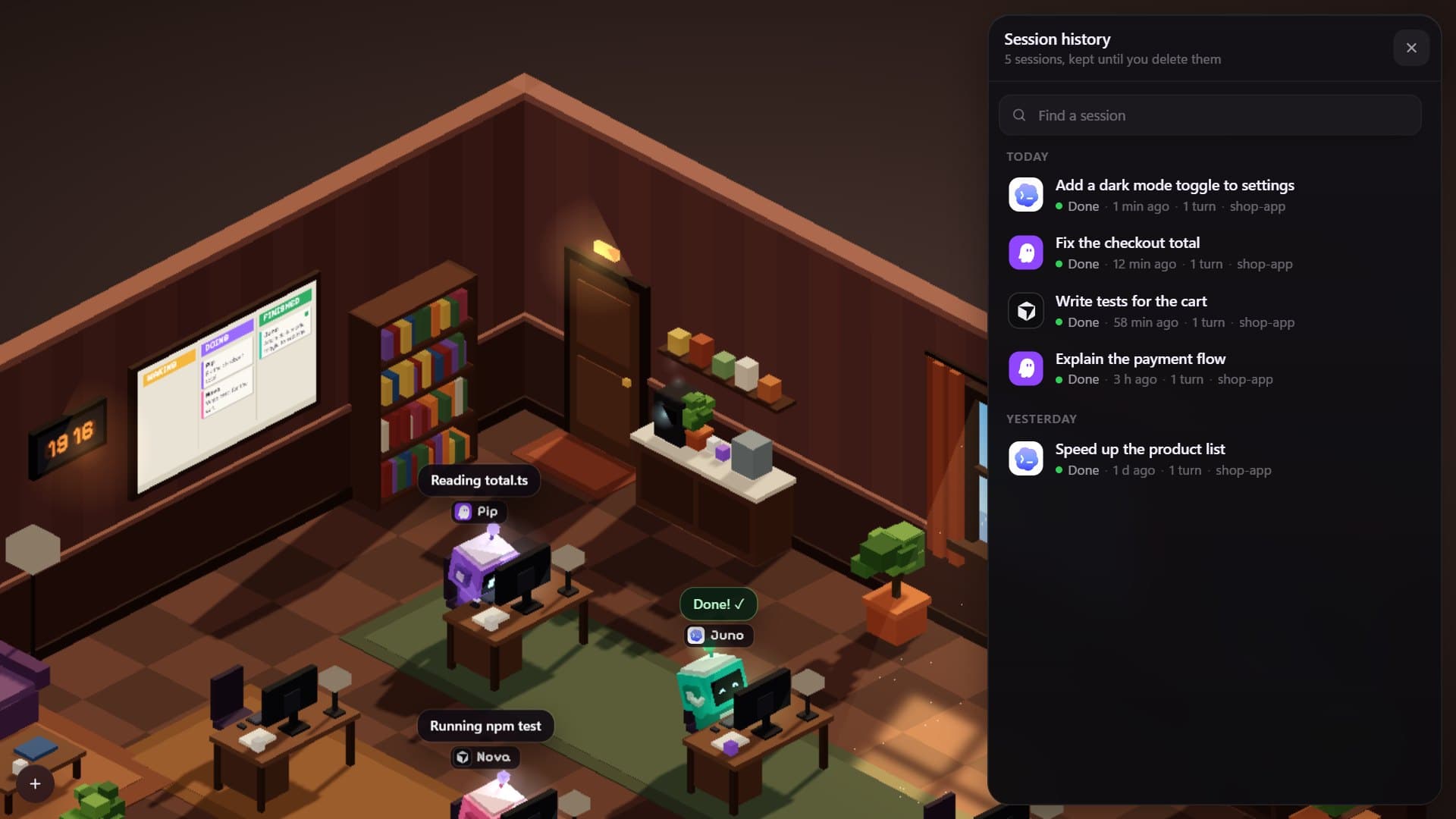
Sessions are kept, encrypted, until you delete them; reply to one to resume it.
Sessions are kept until you delete them. Each is saved when it starts, on each reply and when a turn ends, encrypted on disk.
- Open the bookshelf (or History in the menu) to list past sessions.
- Opening one shows its chat. Reply and it wakes: it gets a desk back and its tool loads the conversation.
- Delete (the bin in the chat or by a history row) asks first, stops a run, and removes the session from the office and the disk.
Kiro Web sessions
History also lists your Kiro Web sessions that were started outside Hover (in the browser, on your phone or in the terminal), by date with a “Kiro Web” mark. Click one to read the whole chat and reply.
- The list is fetched each time history opens, so it follows the account you are signed in to.
- If no Kiro Web sessions are listed, a row at the top of the list says why: Kiro refused the request, or it answered the same for the cloud and for this computer.
- A Kiro session shows what it cost in credits, in place of its turn count.