 hover
hoverDocsGetting started
Your first task
Open the office, pick an agent and a folder, and send a task.
- Open the office. Hover the island, click it, or press Alt + N.
- Press the circle at the bottom left. Each agent’s logo fans out; hover one to see its name. A tool that isn’t installed or signed in is grey and says why.
- Pick an agent. The box grows for it: prompt, image, folder, access and model.
- Choose a folder. There’s no prompt until a folder that exists is picked. Pick one under version control.
- Type the task and send. A bot walks in, sits at a free desk and starts.
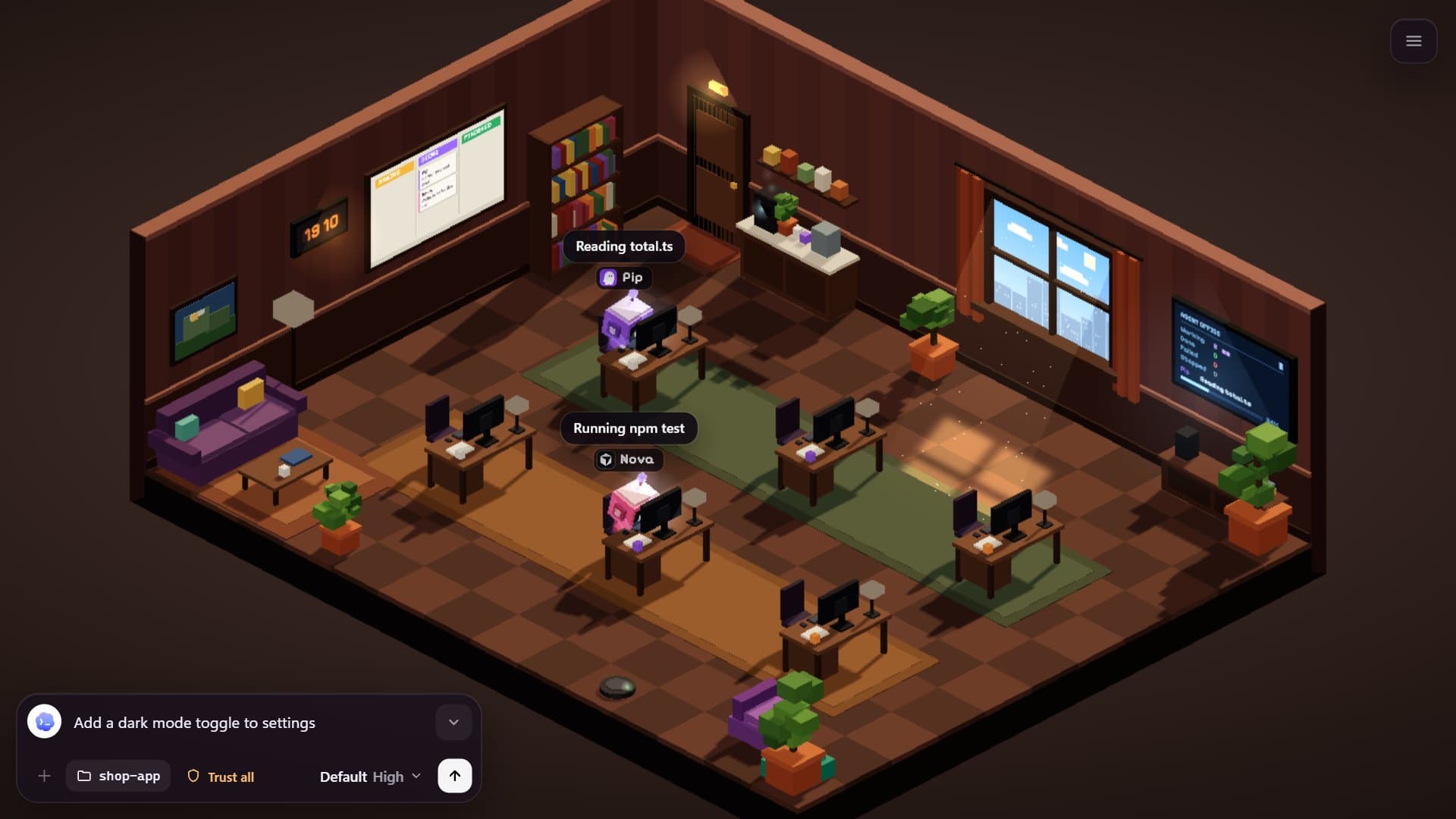
Esc, the chevron or a click on the office folds the box back. Your draft is kept, marked with a dot on the circle.
For Kiro, the box also has a cloud button that sends the task to Kiro Web instead of running it on this computer; see Agents.